- CRM/SFA/MA
What Is SFA (Sales Force Automation)? Explaining Basic Functions, Implementation Methods, and Keys to Adoption!
Last Updated: April 22, 2024
Click Here to Learn More About SFA/CRM ▶
Solving SFA and CRM Challenges:
What Is the "Truth" That Tool Vendors Won't Tell You?
SFA (Sales Force Automation) and CRM (Customer Relationship Management) systems manage a significant portion of a company's sales data. Consequently, their implementation is a major internal project, and it is common for various issues to arise during the process.
By identifying potential barriers to utilization prior to system implementation, you can more effectively address these challenges. Use this blog as a guide to lead your SFA and CRM implementation to success.
Table of Contents
1Common Challenges Before and After Implementing SFA and CRM Systems
1-1Challenges During the Implementation Phase:
1-2Challenges in the Post-Implementation Utilization Phase:
2Factors Contributing to Challenges in SFA/CRM Implementation
2-2Challenges in Data Migration
2-3Causes of Challenges in System Customization
3Challenges in Utilizing SFA/CRM After Implementation
3-1Why Many Companies Face Challenges with Post-Implementation Reporting and Analysis
3-2Why Many Companies Struggle with Delays in System Updates and Improvements
3-3Why Many Companies Face Challenges in Data Quality Management
4The Essential Role of Customer Data Maintenance in SFA/CRM Implementation
5Why uSonar Is the Optimal Solution for Customer Data Maintenance
Recommended Articles
It is common for companies to encounter various challenges when implementing SFA (Sales Force Automation) or CRM (Customer Relationship Management) systems. Here, we summarize the main challenges during the implementation phase and the utilization phase.
|
Challenge |
Details |
|---|---|
| 1. User Resistance | There may be resistance or anxiety regarding the transition to a new system. |
| 2. Data Migration | When migrating existing data to a new system, issues concerning data integrity and accuracy may arise. |
| 3. Difficulty in Customization | Customizing the system to meet specific corporate needs can sometimes be challenging. |
|
Challenge |
Details |
|---|---|
| 1. Data Quality Management | Challenges in data quality management may arise, such as data entry errors, the creation of duplicate records, or delays in updates. |
| 2. Utilization of Reports and Analytics | If effective reporting and analysis cannot be performed using data obtained from the system, the scope of its application may be limited. |
| 3. System Improvements and Updates | If system improvements and updates are not carried out appropriately, new features and enhancements may go unused, potentially reducing the overall effectiveness of the system. |
While we have listed the challenges prior to SFA/CRM implementation above, most challenges are caused by a combination of multiple factors. In this section, we summarize five factors that contribute to each of the three implementation challenges.
|
Challenge |
Details |
|---|---|
| 1. Resistance to Change | The introduction of new systems or processes may lead to resistance against changing established methods or habits. This resistance is often particularly strong when users believe that existing methods are already effective. |
| 2. Usability Issues | If an SFA/CRM system is difficult to use, overly complex, or makes it hard to locate necessary information, users may feel resistance toward the system due to these usability issues. |
| 3. Anxiety Regarding Uncertainty | Users may exhibit resistance when they feel uncertainty or anxiety regarding changes to business processes or roles resulting from the implementation of an SFA/CRM. This resistance is often intensified when there are concerns regarding operational efficiency or performance outcomes. |
| 4. Lack of Training and Support | If adequate training and support for the SFA/CRM system are not provided, users may feel resistance toward the system. Without sufficient education and support to understand how to use the system and recognize its benefits, it becomes difficult for users to adopt it. |
| 5. Data Quality Issues | When users are required to input accurate and reliable data into an SFA/CRM system, they may face challenges related to data quality. If the burden or difficulty associated with data entry and management is high, users may feel resistance toward the system. |
|
Challenges |
Details |
|---|---|
| 1. Data Quality and Consistency Issues | If existing data is inaccurate or lacks consistency, the migrated data may inherit these same issues. When data cleansing or formatting is required, the associated workload and time can become significant challenges. |
| 2. Differences in Data Formats | If existing data is stored in different formats or structures, it must be adapted to the new system. When data conversion or mapping is required, additional effort is necessary to ensure an accurate migration. |
| 3. Large Data Volumes | When migrating large volumes of data, the time and resources required can become a challenge. If there are constraints on data transfer speeds or network bandwidth, the migration process may take longer than expected. |
| 4. System Compatibility Issues | If existing data is incompatible with the destination system, data migration can be difficult. It is essential to verify whether the destination system supports the required data formats and functionalities. |
| 5. User Involvement and Training | Data migration is a part of the system implementation process and may require user involvement. If users do not understand how to operate the new system or the rules for data entry, it may affect the accuracy and completeness of the data migration. |
As with the challenges in the utilization phase after implementing SFA/CRM mentioned above, multiple causes are often related to a single issue. To effectively utilize the implemented tools, it is important to identify the factors that may hinder their use in advance.
|
Challenge |
Details |
|---|---|
| 1. Complexity of Business Processes | Corporate business processes are diverse, and SFA/CRM systems must support them. However, if business processes are complex, system customization may be required. |
| 2. Data Diversity | Companies handle various types of data. SFA/CRM systems need to integrate diverse data, such as customer data, sales data, and marketing data. When data diversity exists, system customization may be required. |
| 3. Differences in User Requirements | Users across various departments and roles within an organization have different requirements. SFA/CRM systems must meet the specific needs of each user. When user requirements differ, system customization may be necessary. |
| 4. Integration with Existing Systems | Companies need to integrate SFA/CRM systems with their existing infrastructure, such as accounting and inventory management systems. Integration with existing systems may require customization to ensure data consistency and process alignment. |
| 5. User Training and Change Management | The implementation of SFA/CRM systems requires user training and change management. Customization of the system may be necessary to ensure that users can utilize it effectively. |
|
Challenges |
Details |
|---|---|
| 1. Data Quality Issues | SFA and CRM systems collect vast amounts of data to generate reports and perform analytics. However, if there are issues with data quality—such as input errors, duplicates, or inaccurate information—it becomes impossible to produce accurate reports and analysis. |
| 2. Difficulty in Data Integration | Companies often utilize various systems and databases, making it challenging to integrate them to obtain unified data. If SFA or CRM data cannot be integrated with other systems, it becomes difficult to generate the reports and analysis necessary to grasp the overall business landscape. |
| 3. Lack of Clarity in Reporting and Analytical Objectives | It is essential to define the purpose of reporting and analysis based on the objectives of SFA/CRM implementation and broader business goals. If these systems are implemented without clear objectives, or if the resulting reports and analysis lack relevance to business goals, their effectiveness is significantly diminished. |
| 4. Insufficient Reporting and Analytical Skills | Leveraging SFA and CRM data for reporting and analysis requires specific data analysis skills and proficiency with relevant tools. However, many organizations face a shortage of personnel with the appropriate skills and knowledge to perform these tasks effectively. |
| 5. Lack of Continuous Improvement in Reporting and Analysis | Following the implementation of SFA and CRM, it is critical to provide feedback based on reporting and analytical results and to implement improvement measures. Failure to take actionable steps for improvement often leads to the recurrence of the same challenges. |
|
Challenges |
Details |
|---|---|
| 1. Resource Shortages | System updates and improvements require specialized knowledge and technical expertise. If a company lacks these, the update or improvement process may be delayed. Furthermore, when resources are diverted to other projects or core business operations, system updates are often deprioritized. |
| 2. Budgetary Constraints | System updates and improvements involve costs. When budgets are insufficient, these tasks may be delayed. Securing the necessary budget and re-evaluating priorities are essential. |
| 3. Inadequate Project Management | System updates and improvements should be managed as formal projects. If project management is insufficient, progress may stall, or priorities may become unclear. Establishing an appropriate project management framework is necessary. |
| 4. Lack of User Involvement | System updates and improvements should be based on user requests and feedback; however, if users are not involved, system improvements may be delayed. It is essential to facilitate active communication with users and establish a mechanism to collect their requests and feedback. |
|
Challenges |
Details |
|---|---|
| 1. Data Entry Errors | When entering data into SFA/CRM systems, employees may input incorrect information. For example, customer contact details or order information may be inaccurate. |
| 2. Data Duplication | Employees may register the same customer information multiple times. This leads to duplicate customer records and compromises data consistency. |
| 3. Data Incompleteness | Some data may be missing. For example, parts of customer contact information may be absent, or order history may be incomplete. |
| 4. Failure to Update Data | When customer or product information changes, it may remain outdated if not updated appropriately. This can prevent accurate information from being reflected, potentially impacting business decision-making. |
| 5. Lack of Data Consistency | Different departments or personnel may input data using varying methods. This can lead to a lack of data consistency, potentially resulting in information discrepancies or conflicts. |
When utilizing SFA (Sales Force Automation) or CRM (Customer Relationship Management) systems, failing to maintain the underlying customer data can lead to significant issues. Examples are provided below.
Making Incorrect Decisions:
Making decisions based on inaccurate data increases the likelihood of moving in the wrong direction. For instance, you might adjust inventory based on incorrect sales data or execute marketing campaigns based on flawed customer information.
Reduced System Reliability:
Inaccurate data diminishes trust both within and outside the organization. Clients, customers, and partners expect accurate information, and inaccurate data can lead to a loss of credibility. Reduced reliability negatively impacts business performance and brand reputation. In terms of operational adoption, trust in information is the foundation of everything. A decline in reliability is a critical issue that could render all the time and money invested in system implementation a waste.
Declining Quality of Customer Support:
If customer information is inaccurate, the quality of customer service will decline. For example, you might provide incorrect information to customers or fail to track past transaction history. This leads to lower customer satisfaction and customer churn.
Data maintenance is an essential step for successfully operating SFA and CRM systems and enhancing competitiveness. Let us cultivate data into a highly reliable asset and achieve sustainable business growth.
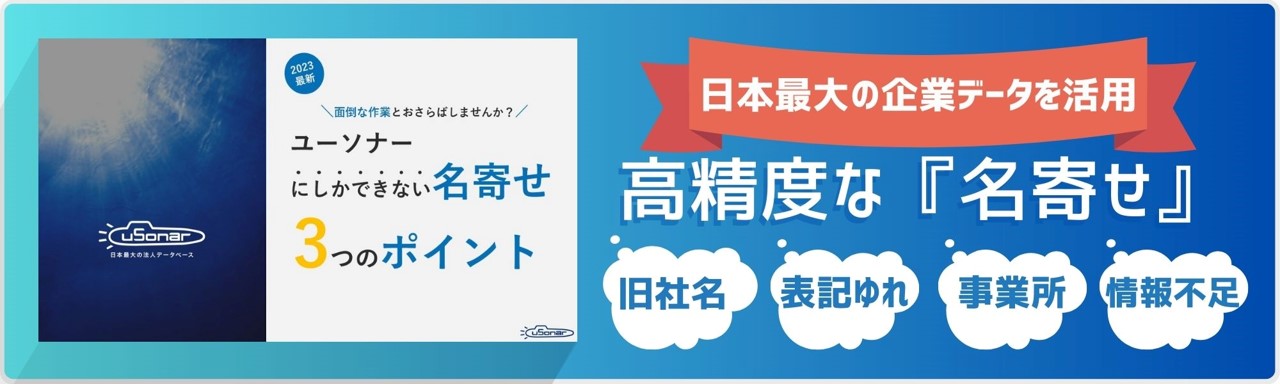
uSonar maintains customer data by integrating your SFA/CRM system with our proprietary database of 12.5 million corporate locations. By linking with this database, address changes and company name updates are processed automatically. Through uSonar, you can input accurate information with a single click, ensuring data precision is maintained. Please check here for more details on uSonar.
About the Author

uSonar Editorial Department
MX Group Editor-in-Chief
We are the uSonar Editorial Department.
We provide information on data utilization and digital technology useful for considering future business operations, primarily for companies engaged in B2B business.
uSonar is utilized by various companies
across all industries and sectors.
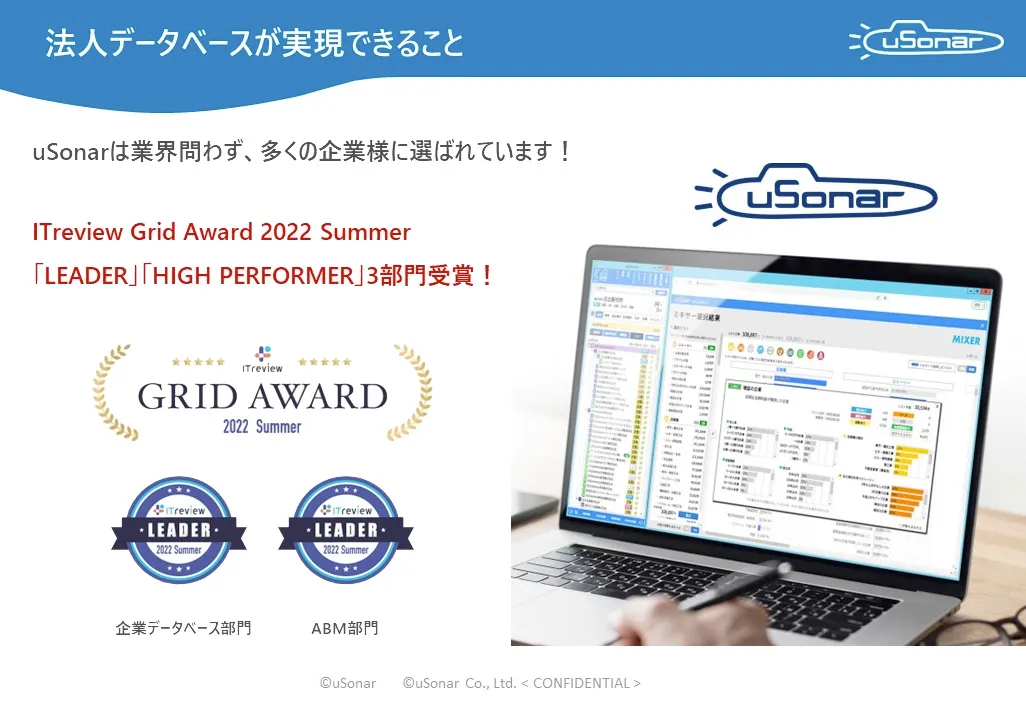
ITreview Grid Award 2026 Summer
Leader in 6 Categories
With uSonar,
we can help solve your company's challenges!
Case Studies and Sample Reports
Available for Download