

 Usage Methods
Sales Department Edition
By integrating with CRM/SFA platforms such as Salesforce,
leverage corporate data to execute
streamlined sales activities
Challenges Solved by Usonar
-
1.Preparation for New Business Development Is Burdensome
Significant time is consistently required for gathering information to create new outreach lists
- Use Cases
-
2.Low Conversion Rates
Targeting and prioritization are based on intuition, preventing the achievement of goals as planned.
- Use Cases
-
3.Cumbersome SFA Data Entry and Management
Inconsistent or duplicate SFA entries lead to conflicts in sales outreach.
- Use Cases
Overcoming Challenges with Usona Implementation
ChallengePreparation for New Business Development is Demanding
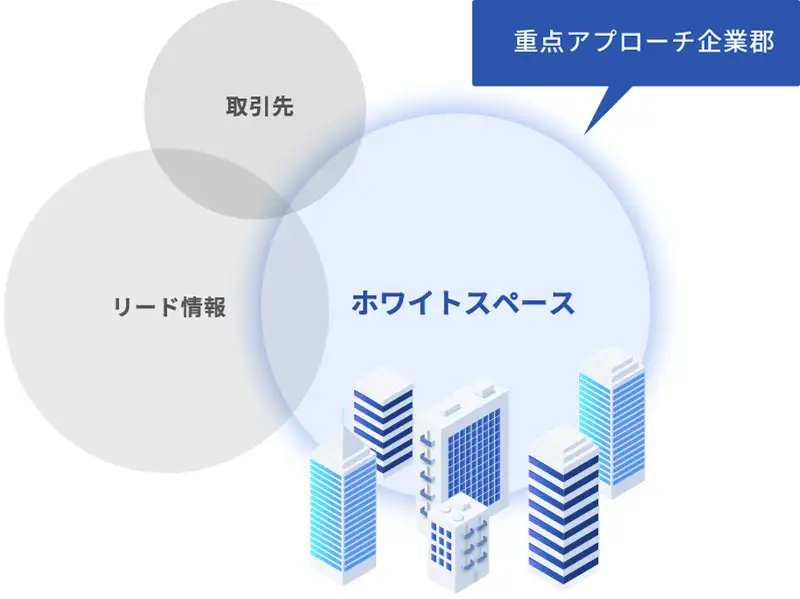
Easily Acquire High-Priority Whitelists
- Identify Promising Segments and Similar Companies Based on High-Value Customer Data
- Visualize All Office Information and Identify Untapped Leads at the Branch Level
- Easily Extract New Sales Lead Lists Based on Various Criteria at Any Time
ChallengeLow Conversion Rates
Implement Data-Driven Sales to Increase Conversion Rates
- Comprehensively identify corporate groups and easily execute group-wide sales strategies.
- Review client news and industry trends before meetings to deliver tailored proposals.
- Enable efficient sales activities by leveraging corporate information within the same building.

ChallengeSFA data entry and management are cumbersome
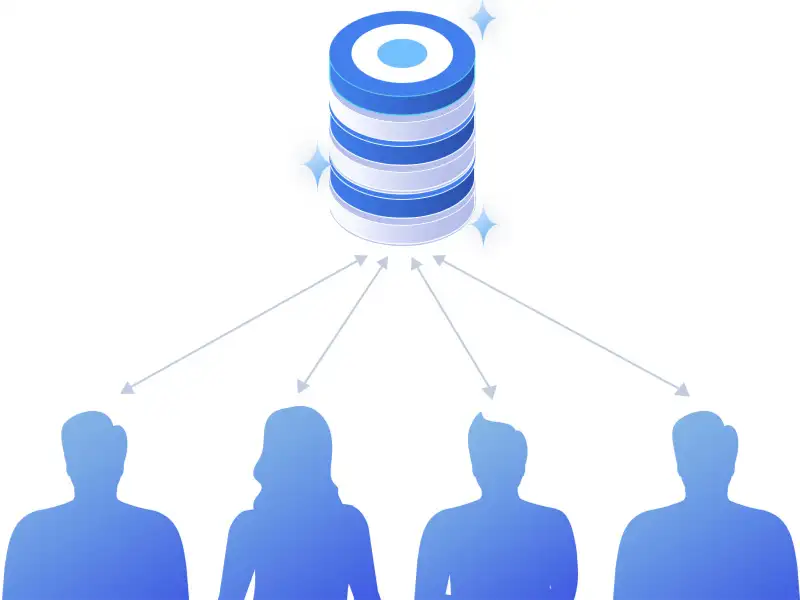
Significantly reduce the operational burden of customer information registration and
maintain a user-friendly database.
- Search, retrieve, and register accurate and comprehensive corporate information by entering abbreviations or partial names.
- Simultaneously register contact information into your SFA simply by scanning business cards with your smartphone.
- Consolidate and share customer information internally to enable sales activities that leverage professional networks across departments.
Services Provided by Usona
Data Registration
Provide Features for Accurate Data Registration with Minimal Effort
 Suggest SearchRegistration & Search
Identify companies by entering partial names or abbreviations.
Suggest SearchRegistration & Search
Identify companies by entering partial names or abbreviations. TransRegistration & Search
Import external lists, assign LBCs, and leverage the data.
TransRegistration & Search
Import external lists, assign LBCs, and leverage the data. Online Business Card ExchangeRegistration & Search
Register business cards from email signatures.
Online Business Card ExchangeRegistration & Search
Register business cards from email signatures. Seminar Business Card ExchangeRegistration & Search
Exchange business cards with seminar participants online.
Seminar Business Card ExchangeRegistration & Search
Exchange business cards with seminar participants online. Business Card ScanRegistration & Search
Digitize business cards simply by taking a photo with your smartphone.
Business Card ScanRegistration & Search
Digitize business cards simply by taking a photo with your smartphone.
Data Registration
Integrate with Various Tools to Continuously Normalize, Deduplicate, and Update Data
 Advanced Deduplication/NICEDeduplication & Integration
Provide high-precision deduplication and cleansing through LBC-based automation and manual verification.
Advanced Deduplication/NICEDeduplication & Integration
Provide high-precision deduplication and cleansing through LBC-based automation and manual verification.
Corporate Information
Consolidates basic information such as industry and sales, as well as data that can be utilized for information gathering.
 Corporate Group/Business EstablishmentAssigned Attribute
Equipped with LBC, a specialized trading company for corporate data that covers business locations.
Corporate Group/Business EstablishmentAssigned Attribute
Equipped with LBC, a specialized trading company for corporate data that covers business locations. Optimized Industry ClassificationAssigned Attribute
Utilize our proprietary industry classification system specifically designed for marketing purposes.
Optimized Industry ClassificationAssigned Attribute
Utilize our proprietary industry classification system specifically designed for marketing purposes. Corporate SummaryAssigned Attribute
Easily verify key corporate characteristics.
Corporate SummaryAssigned Attribute
Easily verify key corporate characteristics. Cautionary AlertAssigned Attribute
Identify companies that require caution, such as those involved in anti-social activities or subject to administrative actions.
Cautionary AlertAssigned Attribute
Identify companies that require caution, such as those involved in anti-social activities or subject to administrative actions. Securities Report SummaryAssigned Attribute
Intuitively review performance trends through our proprietary charts.
Securities Report SummaryAssigned Attribute
Intuitively review performance trends through our proprietary charts. StoryAssigned Attribute
Companies are tagged based on numerous themes, and these tags can be utilized to create lists.
StoryAssigned Attribute
Companies are tagged based on numerous themes, and these tags can be utilized to create lists. Live AccessAssigned Attribute
Monitor corporate visitors to your owned media in real time.
Live AccessAssigned Attribute
Monitor corporate visitors to your owned media in real time. AI ListAssigned Attribute
Scores and evaluates the conversion potential of companies based on daily accumulated data.
AI ListAssigned Attribute
Scores and evaluates the conversion potential of companies based on daily accumulated data. Interest SignalAssigned Attribute
Enables precise targeting based on corporate intent data derived from web browsing history.
Interest SignalAssigned Attribute
Enables precise targeting based on corporate intent data derived from web browsing history. Implementation TagAssigned Attribute
We convert the web services implemented by companies into data.
Implementation TagAssigned Attribute
We convert the web services implemented by companies into data. NewsAssigned Attribute
Access media coverage information, such as press releases.
NewsAssigned Attribute
Access media coverage information, such as press releases. Industry ResearchAssigned Attribute
Review trends and current conditions for each industry.
Industry ResearchAssigned Attribute
Review trends and current conditions for each industry. Personnel ChangesAssigned Attribute
We collect personnel information and link it to corporate data for your reference.
Personnel ChangesAssigned Attribute
We collect personnel information and link it to corporate data for your reference. Major ChangesAssigned Attribute
We consolidate significant changes in corporate information, such as company names, affiliations, and headquarters addresses.
Major ChangesAssigned Attribute
We consolidate significant changes in corporate information, such as company names, affiliations, and headquarters addresses. Similar CompaniesAssigned Attribute
Identify companies similar to the one currently displayed.
Similar CompaniesAssigned Attribute
Identify companies similar to the one currently displayed. Building (Tenant Companies)Assigned Attribute
View other corporate entities located within the same building.
Building (Tenant Companies)Assigned Attribute
View other corporate entities located within the same building. Map SonarAssigned Attribute
Locate potential sales leads and visit destinations on a map, and record your activity details.
Map SonarAssigned Attribute
Locate potential sales leads and visit destinations on a map, and record your activity details. Name InformationAssigned Attribute
Access information regarding names, such as individuals with the same name or the origins of surnames.
Name InformationAssigned Attribute
Access information regarding names, such as individuals with the same name or the origins of surnames.
Data Integration and Extraction
Easily extract lists and identify companies by specifying criteria.
 MIXERRegistration & Search
Create target lists by combining a wide variety of search criteria.
MIXERRegistration & Search
Create target lists by combining a wide variety of search criteria. MeitanteiRegistration & Search
Narrow down target companies using information such as industry, CEO name, characteristics, and product names.
MeitanteiRegistration & Search
Narrow down target companies using information such as industry, CEO name, characteristics, and product names.
Activity Status
Visualize Internal Activity Status
 TimelineInternal Information
Review activity history and news in chronological order.
TimelineInternal Information
Review activity history and news in chronological order. TalkInternal Information
Exchange messages with colleagues.
TalkInternal Information
Exchange messages with colleagues. Business Card Exchange HistoryInternal Information
View the internal history of business card exchanges.
Business Card Exchange HistoryInternal Information
View the internal history of business card exchanges.
Testimonials from Usonar Users
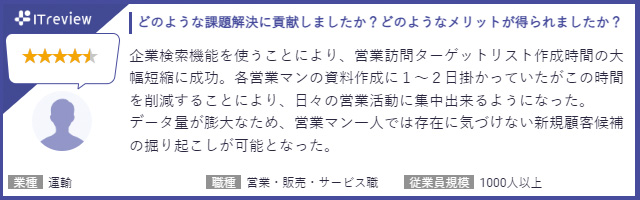
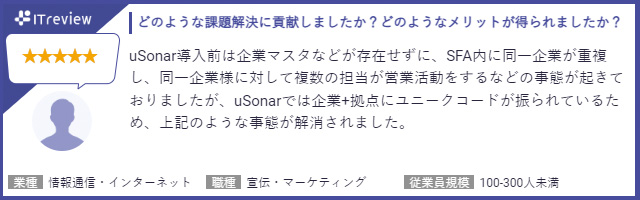
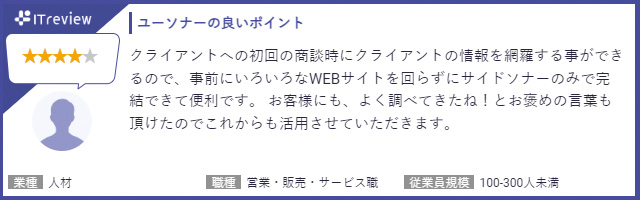
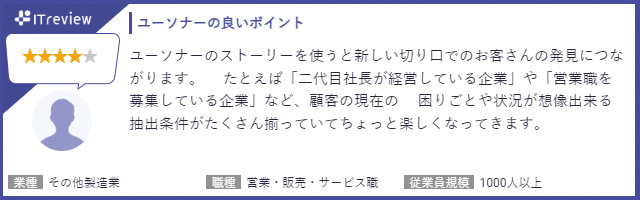
Usonar services are highly rated and supported by our users.
View Reviews (ITreview Site)
View Reviews (BOXIL Site)
mSonar is highly rated as a business card management application.
Read Reviews (ITreview Site)
Read Reviews (BOXIL Site)
Frequently Asked Questions
If you have any other questions, please use
 Instant Intent
. Our AI is available 24/7 to answer your questions regarding our services and features.
Instant Intent
. Our AI is available 24/7 to answer your questions regarding our services and features.
With uSonar,
we can help you solve your business challenges!
Case Studies and Sample Reports
Download
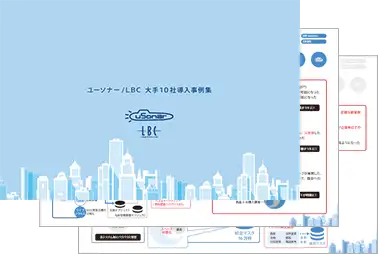
List of Use Cases
PURPOSEUse Cases by Purpose
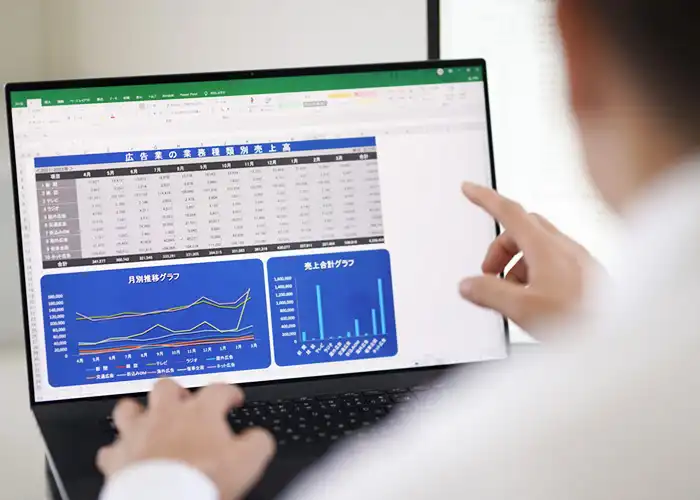







DEPARTMENTUse Cases by Department




TOOLUse Cases by Tool




 (uSonar)
Customer Data Integration Solution
Efficiently extract and visualize high-probability, untapped target accounts.
- 12.5 Million
Corporate Records - Customer Data
Maintenance and Consolidation - SFA/MA
Integration and Unified Data Utilization
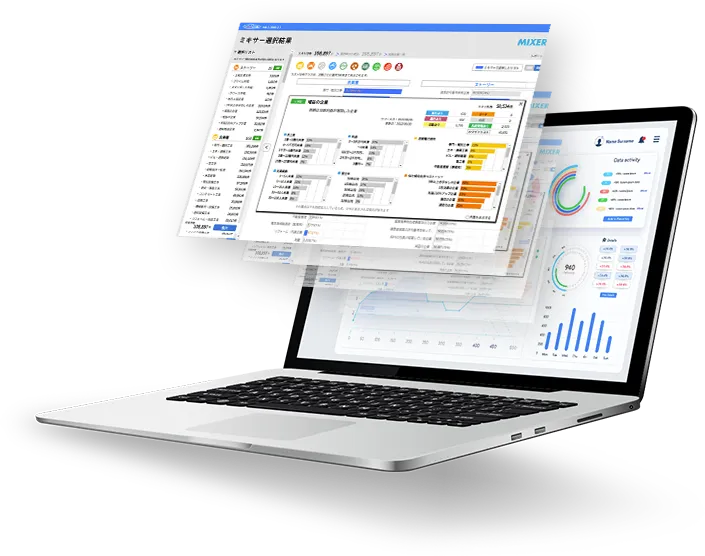
- 12.5 Million
Corporate Records - Continuous
Data Cleansing - SFA/MA
Integration

Usonar is utilized by a wide range of companies
across all industries and sectors.














With Usonar,
we can guide your company toward solving its challenges!
Case Studies and Sample Reports
Available for Download
