
 How to Use
Inside Sales Department
Integrate with MA to achieve
seamless marketing and sales collaboration
for end-to-end ABM,
from lead generation to nurturing.
Challenges Solved by uSonar
-
1.Unclear Lead Prioritization
Unable to determine lead priority, leading to a one-size-fits-all approach.
- Use Cases
-
2. Difficulty Executing Tailored Strategies
Unable to execute strategies tailored to the target company, resulting in stagnant nurturing performance
- Use Cases
-
3.Insufficient Collaboration with Sales
Leads handed over are left unattended, indicating poor collaboration between departments
- Use Cases
Overcome Challenges with uSonar Implementation
ChallengeUnclear Lead Prioritization
Focus on
High-Potential Leads through the Enrichment of Customer and Lead Data
- Automatically assign diverse corporate attributes to enable multifaceted and high-precision ABM analysis
- Identify which segments your lead companies belong to and extract them as needed.
- Easily identify promising lead companies that should be prioritized for nurturing.

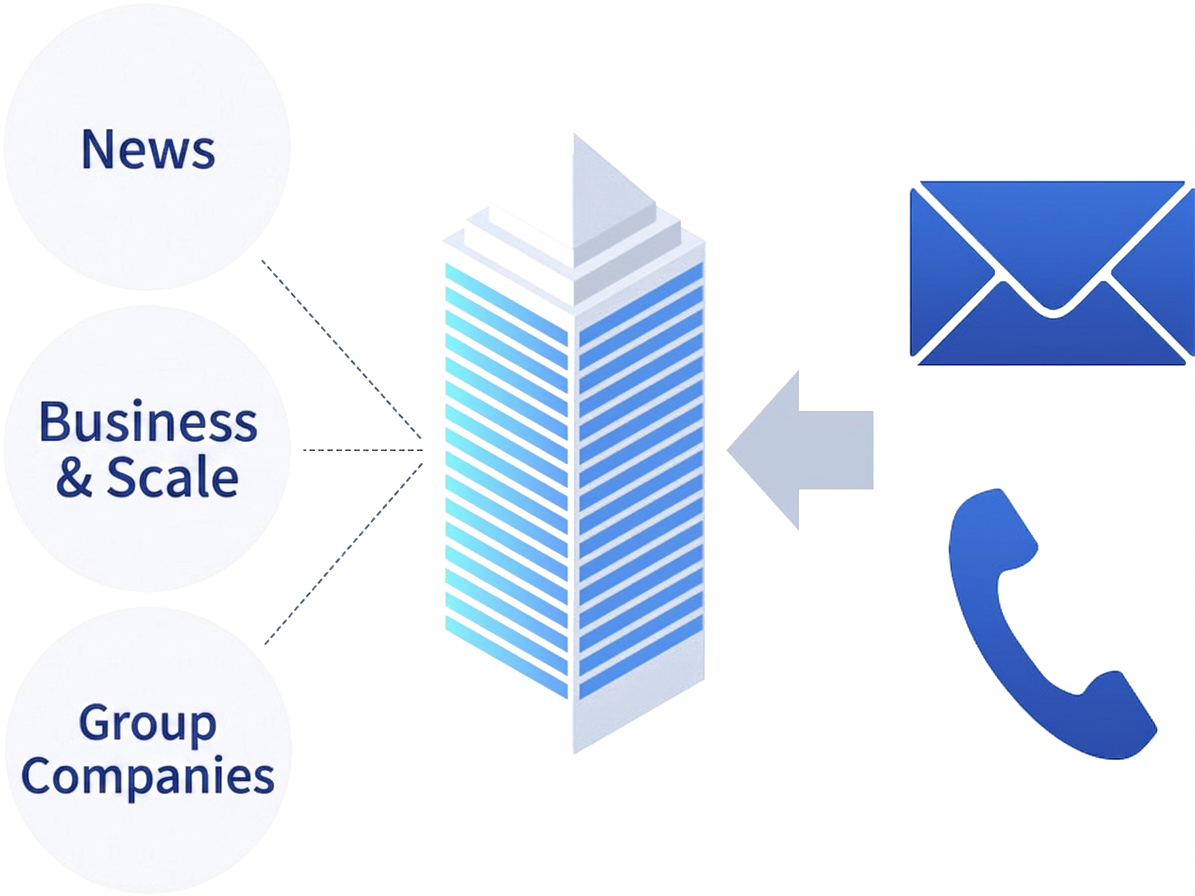
ChallengeDifficulty in executing personalized initiatives
Improve the effectiveness of your outreach, email, direct mail, and telemarketing campaigns targeting potential prospects with Increased Campaign Performance.
- Gain real-time insights into company-specific needs and timing to streamline lead generation.
- Plan and execute initiatives tailored to specific segments, such as revenue or employee count, to increase conversion rates.
- Enrich MA lead data with corporate attributes to enable list extraction from various perspectives and analyze campaign effectiveness.
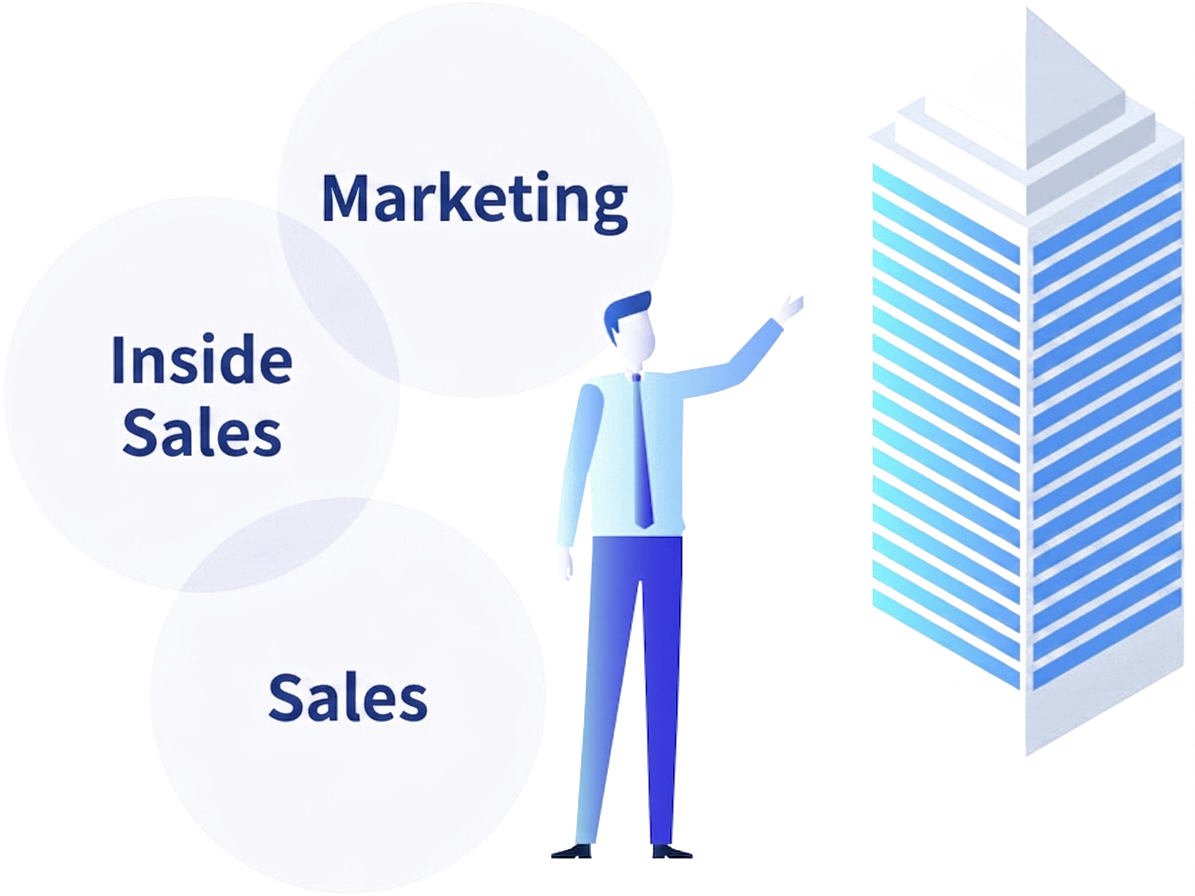
ChallengeInsufficient collaboration with sales teams
Strengthen Collaboration with other departments.
- Increase the lead-to-close rate through integrated activities between marketing and sales departments.
- Leverage contact information from other departments to facilitate communication through existing connections.
- Integrate corporate data between MA and SFA tools to simplify the execution of synchronized ABM strategies.
Services Provided by uSonar
Data Registration
Provide features for accurate data registration with minimal effort.
 Suggest SearchRegistration & Search
Identify companies by entering partial names or abbreviations.
Suggest SearchRegistration & Search
Identify companies by entering partial names or abbreviations. TransRegistration & Search
Import external lists, assign LBCs, and utilize the data effectively.
TransRegistration & Search
Import external lists, assign LBCs, and utilize the data effectively.
Data Registration
Integrate with various tools to ensure data is consistently normalized, deduplicated, and updated.
 Super Deduplication/NICEDeduplication & Integration
Provide high-precision deduplication and cleansing through LBC-based automation and manual verification.
Super Deduplication/NICEDeduplication & Integration
Provide high-precision deduplication and cleansing through LBC-based automation and manual verification.
Corporate Information
Analyze and segment companies using a wide range of criteria, including basic information such as industry and revenue.
 Corporate Group/OfficeAssigned Attribute
Equipped with LBC, a specialized trading company database that covers business locations.
Corporate Group/OfficeAssigned Attribute
Equipped with LBC, a specialized trading company database that covers business locations. Target IndustryAssigned Attribute
Utilize our proprietary industry classification specifically designed for marketing purposes.
Target IndustryAssigned Attribute
Utilize our proprietary industry classification specifically designed for marketing purposes. Company SummaryAssigned Attribute
Easily verify key company characteristics.
Company SummaryAssigned Attribute
Easily verify key company characteristics. CautionaryAssigned Attribute
Check whether a company requires caution, such as those involved in anti-social activities or subject to administrative disciplinary actions.
CautionaryAssigned Attribute
Check whether a company requires caution, such as those involved in anti-social activities or subject to administrative disciplinary actions. Securities Report SummaryAssigned Attribute
Intuitively confirm performance trends using our proprietary charts.
Securities Report SummaryAssigned Attribute
Intuitively confirm performance trends using our proprietary charts. StoryAssigned Attribute
Companies are tagged by various themes, and these tags can also be used to generate lists.
StoryAssigned Attribute
Companies are tagged by various themes, and these tags can also be used to generate lists. Live AccessAssigned Attribute
Identify corporate visitors to your owned media in real time.
Live AccessAssigned Attribute
Identify corporate visitors to your owned media in real time. AI ListAssigned Attribute
Score and evaluate the conversion potential of companies based on data accumulated daily.
AI ListAssigned Attribute
Score and evaluate the conversion potential of companies based on data accumulated daily. Interest SignalAssigned Attribute
Enable precise targeting based on corporate intent data derived from web browsing history.
Interest SignalAssigned Attribute
Enable precise targeting based on corporate intent data derived from web browsing history. Installed TechnologiesAssigned Attribute
We provide data on the web services and technologies currently implemented by companies.
Installed TechnologiesAssigned Attribute
We provide data on the web services and technologies currently implemented by companies. NewsAssigned Attribute
Access media coverage information, including press releases and news articles.
NewsAssigned Attribute
Access media coverage information, including press releases and news articles. Industry ResearchAssigned Attribute
Review current trends and the status of various industrial sectors.
Industry ResearchAssigned Attribute
Review current trends and the status of various industrial sectors. Personnel ChangesAssigned Attribute
We collect personnel information and link it directly to corporate profiles for easy reference.
Personnel ChangesAssigned Attribute
We collect personnel information and link it directly to corporate profiles for easy reference. Major Corporate ChangesAssigned Attribute
Consolidated updates on significant corporate changes, such as company name, affiliation, and headquarters address.
Major Corporate ChangesAssigned Attribute
Consolidated updates on significant corporate changes, such as company name, affiliation, and headquarters address. Similar CompaniesAssigned Attribute
Identify and view companies similar to the one currently displayed.
Similar CompaniesAssigned Attribute
Identify and view companies similar to the one currently displayed.
Data Integration and Extraction
Easily extract lists and identify target companies by specifying criteria
 MIXERRegistration and Search
Create target lists by combining a wide variety of search criteria.
MIXERRegistration and Search
Create target lists by combining a wide variety of search criteria. DetectiveRegistration & Search
Narrow down target companies based on information such as industry, president name, characteristics, and product names.
DetectiveRegistration & Search
Narrow down target companies based on information such as industry, president name, characteristics, and product names.
Activity Status
Visualize Internal Activity Status
 TimelineInternal Information
View activity history, news, and more in chronological order.
TimelineInternal Information
View activity history, news, and more in chronological order. TalkInternal Information
Exchange messages with colleagues.
TalkInternal Information
Exchange messages with colleagues. Business Card Exchange HistoryInternal Information
Check the internal business card exchange history.
Business Card Exchange HistoryInternal Information
Check the internal business card exchange history.
uSonar User Reviews
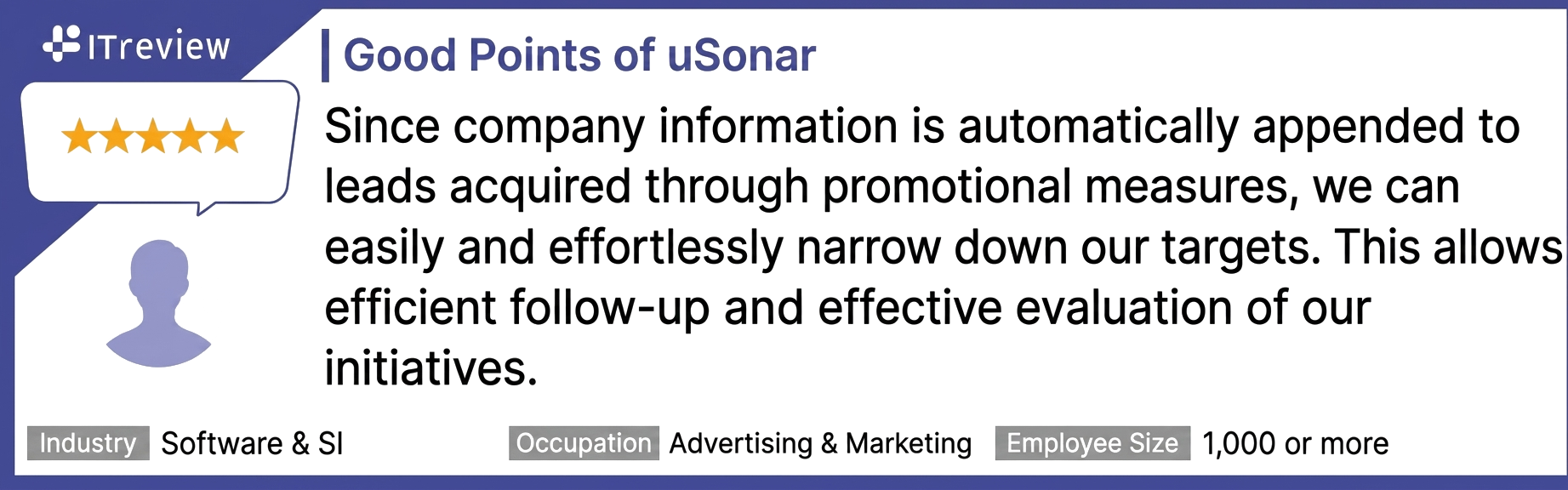
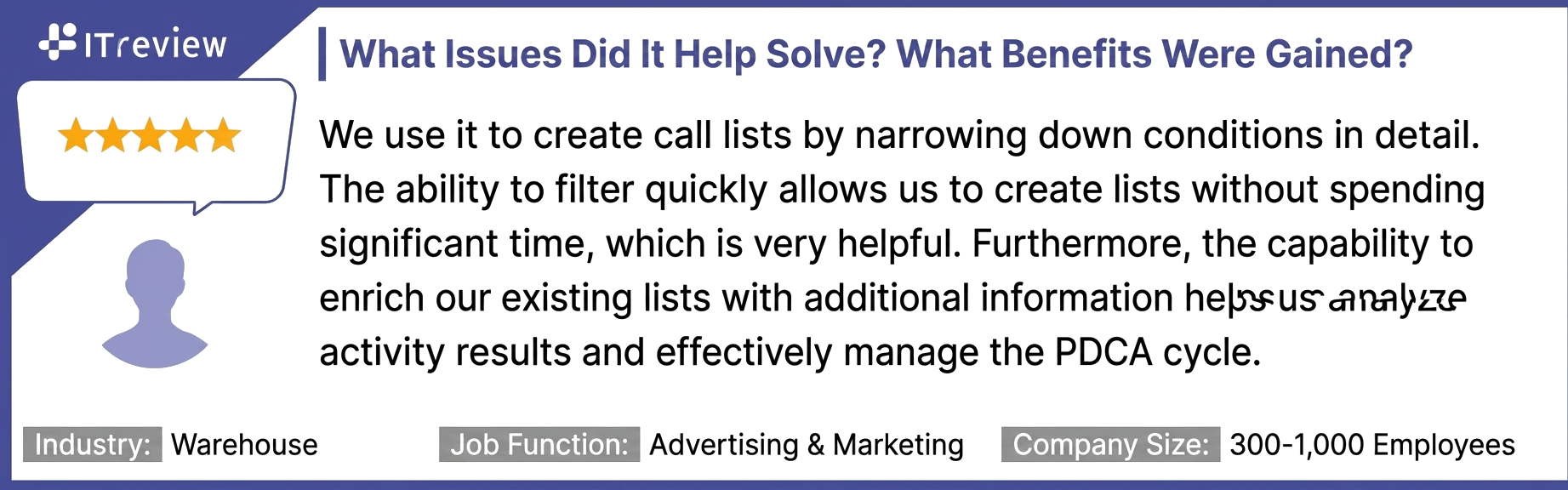
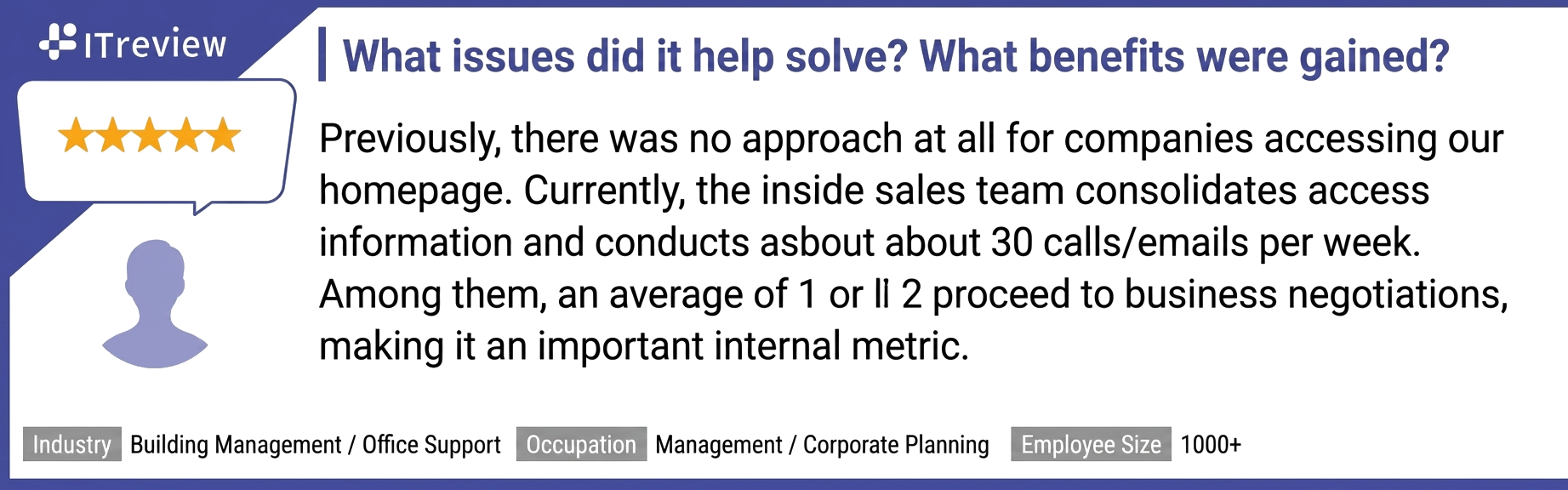
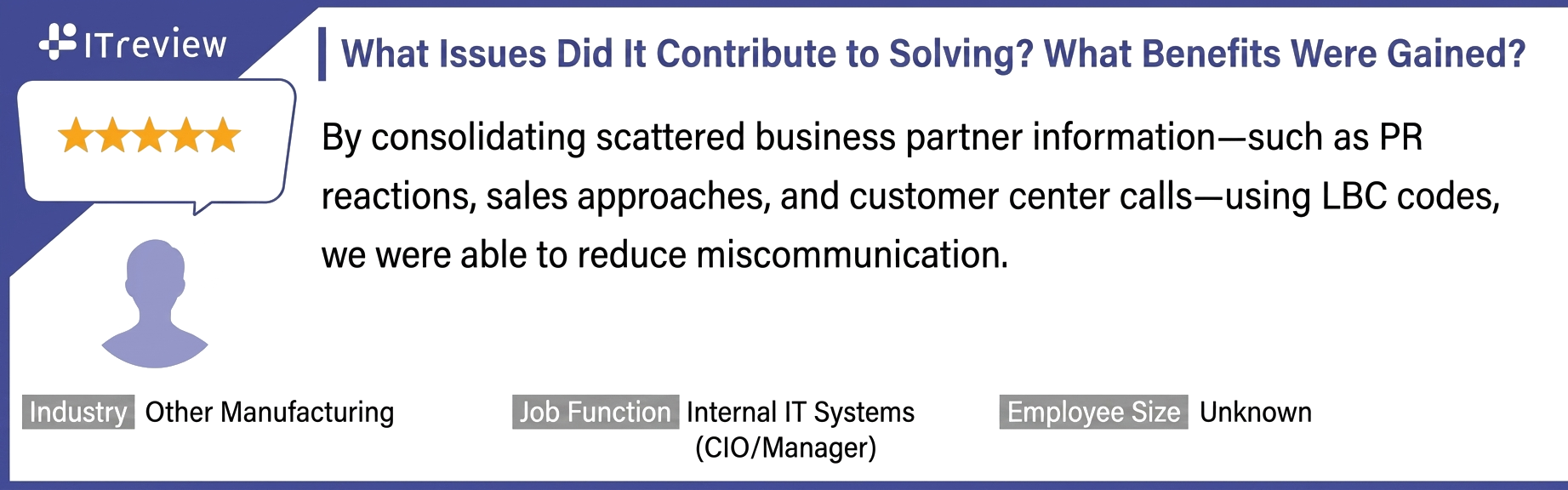
uSonar services are highly rated and supported by our users.
View Reviews (ITreview Site)
View Reviews (BOXIL Site)
mSonar is highly rated by many as a business card management application.
View Reviews (ITreview Site)
View Reviews (BOXIL Site)
Frequently Asked Questions
If you have any other questions, please use our  Instant Intent. Our AI is available 24/7 to answer your questions about our service offerings and features.
With uSonar,
we can guide your company toward solving its challenges!
Case Studies and Sample Reports
Download
List of Use Cases
PURPOSEUse Cases by Purpose







DEPARTMENTUse Cases by Department




TOOLUse Cases by Tool




 (uSonar)
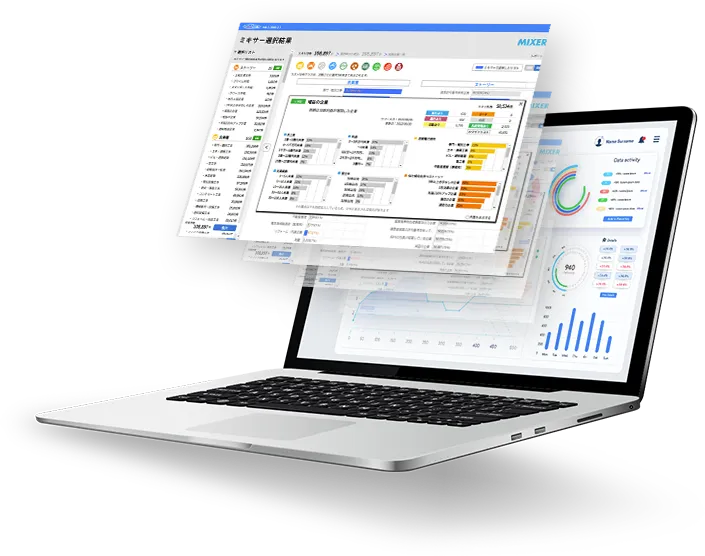
Customer Data Integration Solution
Efficiently extract and visualize high-probability,
untapped target accounts.
- 12.5 Million Corporate
Data Records - Data
Maintenance and Consolidation - Integrate and Utilize Data
with SFA/MA
- 12.5 Million
Corporate Records - Continuous
Cleansing - SFA/MA
Integration

uSonar is utilized by a wide range of companies
across various industries and sectors.














With uSonar,
we can help solve your business challenges!
Download Case Studies and Sample Reports
View All Resources