
Generated at: 2026-05-14 12:27:12
How to Use uSonar: Registering Client Information

How to Use

Client Information Registration

Reduce the operational burden of registering and updating client information,
and streamline credit management

Challenges Solved by uSonar

  • 1.Cumbersome Information Registration

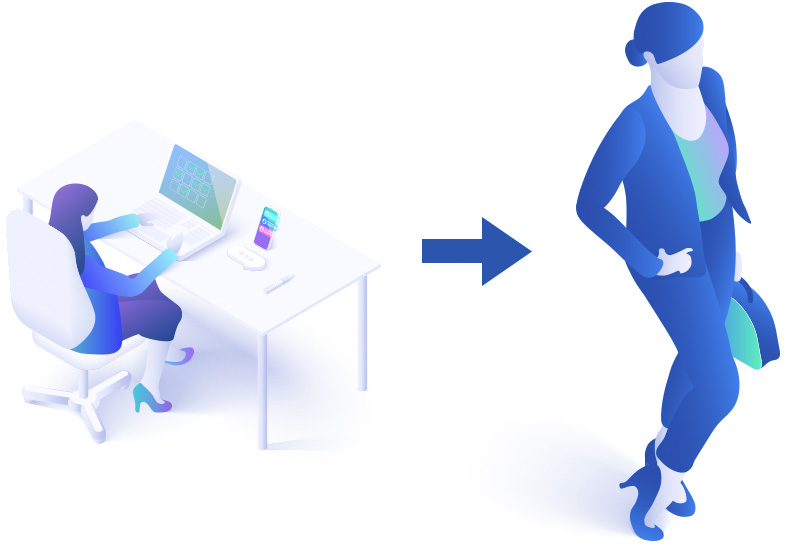
    Spending excessive time on manual entry of corporate information into the system

  • 2.Increase in Duplicate and Incomplete Data

    Inconsistent input methods leading to an accumulation of duplicate and incomplete data

  • 3.Separate Information Gathering Required

    Time-consuming verification of accurate corporate information, resulting in inefficient credit research

Overcome Challenges by Implementing uSonar

ChallengeCumbersome Information Registration

Reduce the operational burden of data entry and focus on sales activities

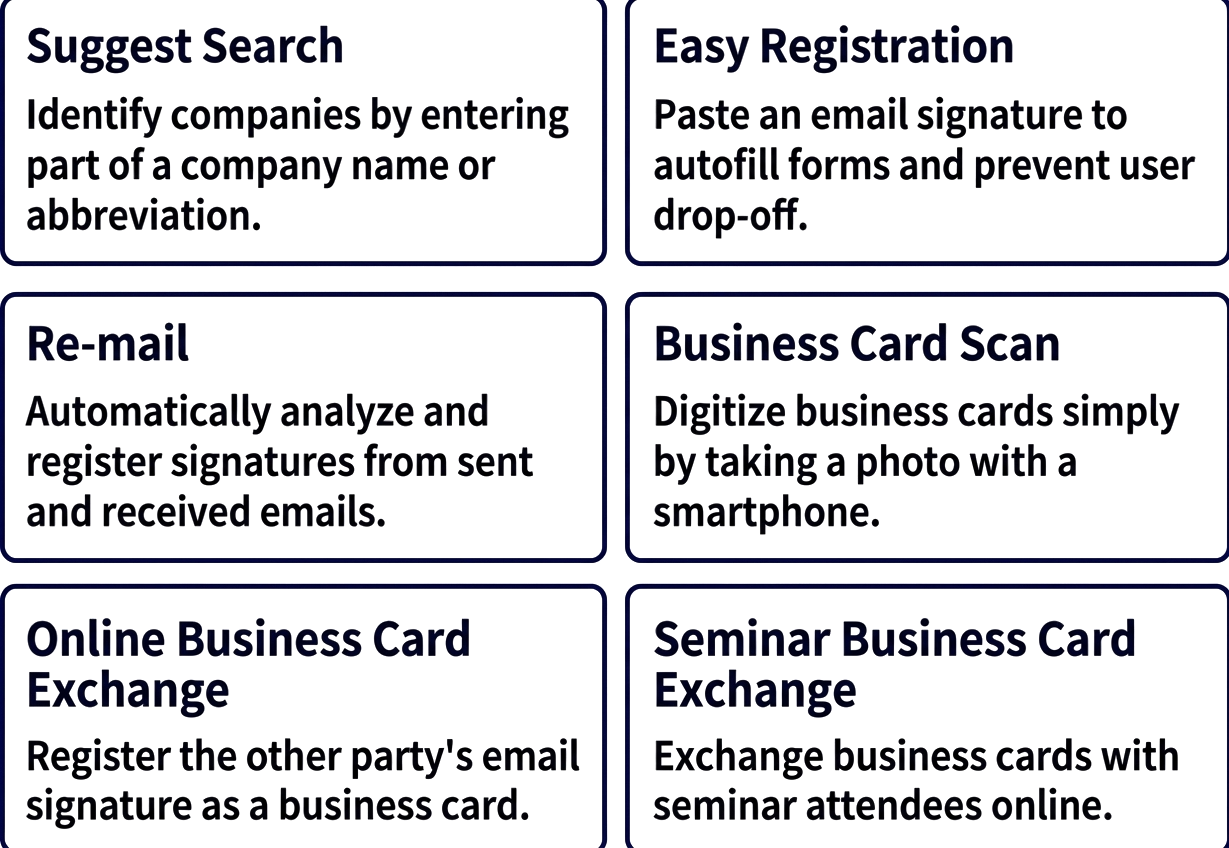
  • Accurately identify companies even from abbreviations and register information without missing any fields
  • Digitize business cards with high precision using the business card management app and automatically register them to integrated CRM/SFA systems.
  • Signatures can also be parsed and automatically registered from sent and received emails.
Reduce the Operational Burden of Data Entry to Focus on Sales Activities

ChallengeIncrease in Duplicate and Incomplete Data

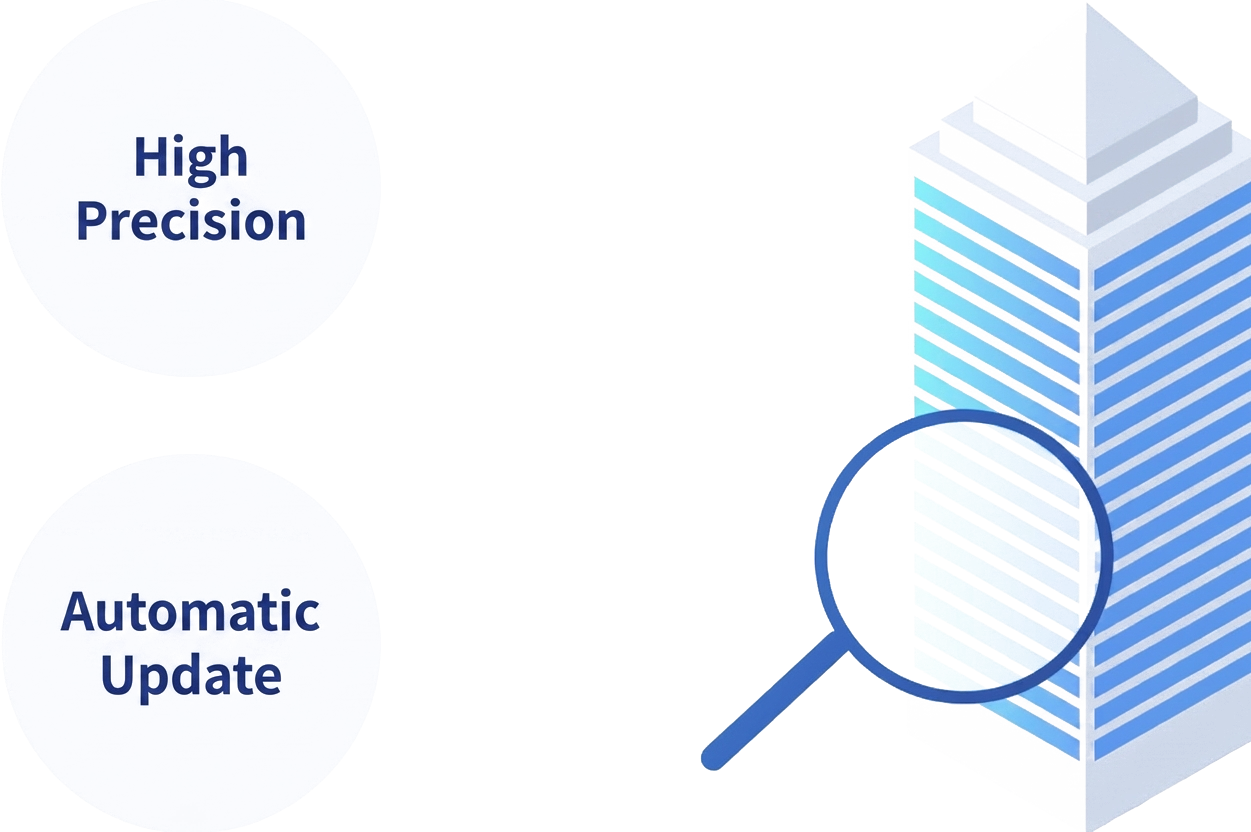
Achieve High-Precision Targeting
by Improving Corporate Data Accuracy.

  • Prevent the creation of incomplete or duplicate data from the moment of registration, maintaining data that is always ready for use.
  • Automatically update company name changes, relocations, and other information after registration.
  • Accurately grasp the transaction status of each company to enable high-precision analysis.
Achieve High-Precision Targeting Through Improved Corporate Data Accuracy

ChallengeSeparate Information Gathering Required

Enrich various corporate data to enable Primary Credit Screening.

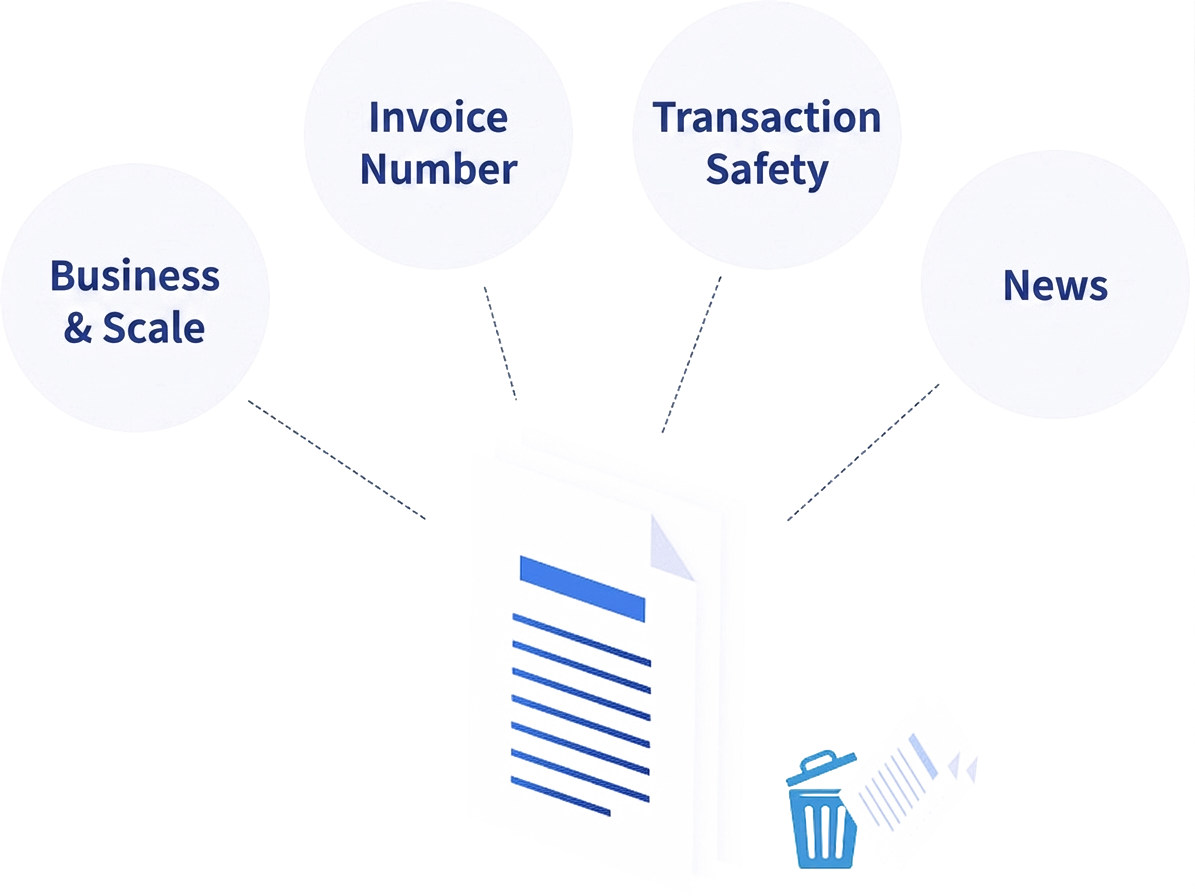
  • Utilize corporate information such as industry and company size without the need for additional research or manual entry.
  • Instantly utilize essential information for transactions and targeting, such as invoice numbers.
  • Perform primary screening for transaction safety, including bankruptcy risk and anti-social force checks, at the time of registration.
Enrich Corporate Data and Enable Preliminary Credit Screening

Services Provided by uSonar

Client Information Registration Support

Easily register accurate and comprehensive corporate information through input assistance and system integration.

We provide various features to reduce the operational burden of manual entry and support accurate data registration.
Data duplication and errors are prevented from the moment of registration.

Easily Register Accurate and Comprehensive Corporate Data Through Input Assistance and System Integration

Corporate Information Linking

Automatically append various corporate information and provide powerful search capabilities upon registration.

Corporate information is linked automatically upon data registration, eliminating the need for manual entry. Relocations and company name changes are also updated automatically after registration. Furthermore, we provide features that allow you to search for data within your CRM/SFA even with ambiguous information.

Automatically Enrich Corporate Data Upon Registration and Provide Powerful Search Capabilities

Client Management and Credit Assessment

In addition to invoice numbers and corporate registration numbers, we provide information to help determine if a business partner is appropriate.

Useful information for the selection, screening, and management of suppliers and contractors is available, allowing you to streamline management operations.

Append Invoice Numbers, Corporate Numbers, and Other Essential Data to Evaluate Business Partners

Testimonials from uSonar Users

  • xxxxxxxxxxx
  • xxxxxxxxxxx
  • xxxxxxxxxxx
  • xxxxxxxxxxx

Frequently Asked Questions

What happens to the data entered before implementing uSonar?

OPENCLOSE

When implementing uSonar, we perform cleansing and data matching on existing data, ensuring that historical data can be effectively used for analysis and re-engagement.

Is it possible to import external lists?

OPENCLOSE

You can import files such as Excel spreadsheets containing company names and addresses. Since the latest corporate information is appended, you can accurately register companies without duplicates, even for different companies with the same name or companies that have changed their names.

Can I import lists with different formats?

OPENCLOSE

You do not need to adjust the format of your lists when importing. uSonar automatically identifies the fields, performs cleansing and data matching, and enables registration.

What Does "Caution Required" Mean?

OPENCLOSE

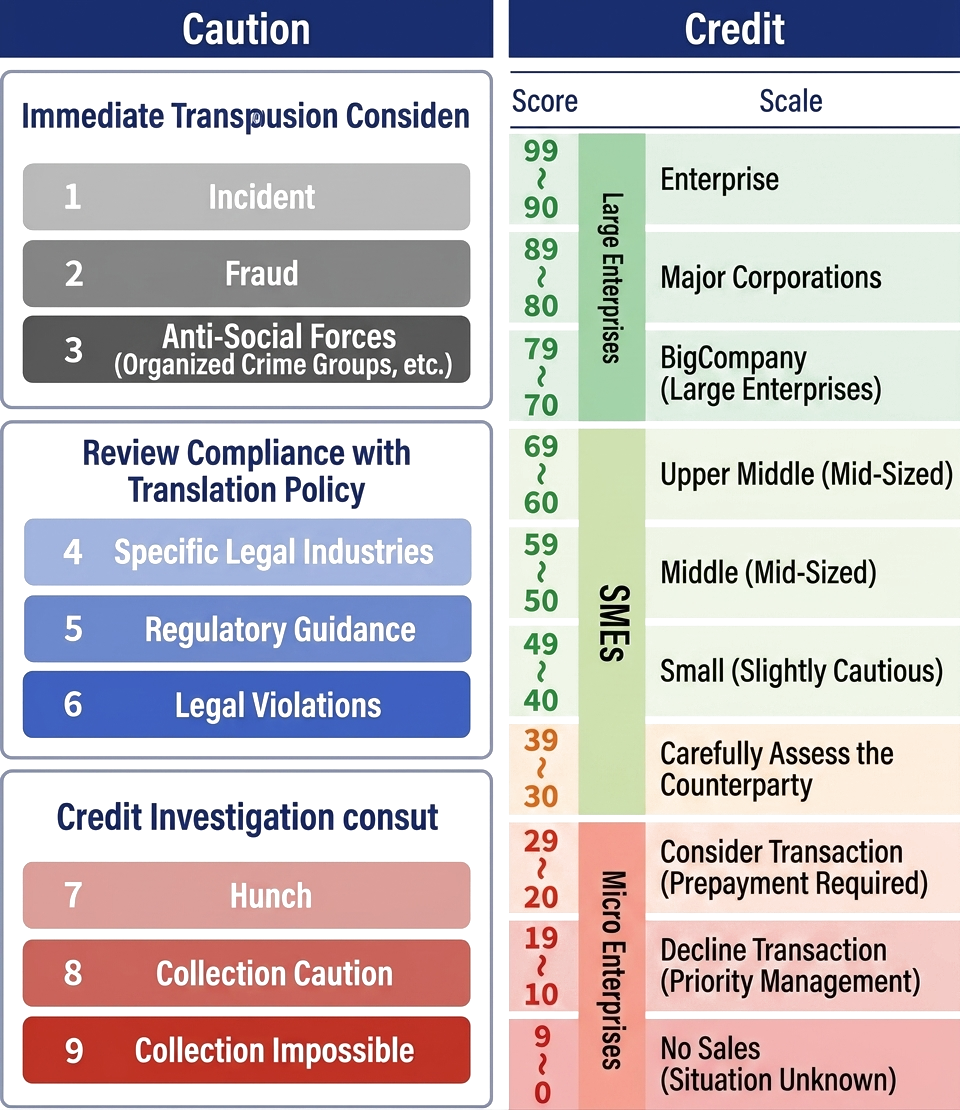
"Caution Required" flags target companies for potential negative information, such as whether they are associated with anti-social forces or have been involved in incidents or scandals. This feature alerts you to exercise caution before initiating business transactions or negotiations.

Available for Download

Understand How to Utilize uSonar Effectively
4 Case Studies on Registering Client Information

You may opt out of receiving information regarding our services and events at any time. For details on our policies, please review our Privacy Statement.

Download Case Studies

With uSonar, we can help
solve your business challenges!

Case Studies and Sample Reports
Available for Download

View All Materials
Download Case Studies and Sample Reports

(uSonar)

Customer Data Integration Solution

Efficiently extract and visualize high-probability,
untapped target accounts.

  • 12.5 Million
    Corporate Records
  • Customer Data
    Maintenance and Consolidation
  • Integrate and Utilize Data
    with SFA/MA Systems
uSonar
  • 12.5 Million
    Corporate Records
  • Continuous
    Cleansing
  • SFA/MA
    Integration

Clarification of Target Accounts

uSonar is utilized by various companies
across all industries and sectors.

  • Ministry of Economy, Trade and Industry.
  • Asahi
  • BIZ REACH
  • NITORI BUSINESS
  • FUSO
  • MIZUHO
  • PayPay
  • Ministry of Economy, Trade and Industry.
  • Asahi
  • BIZ REACH
  • NITORI BUSINESS
  • FUSO
  • MIZUHO
  • PayPay
  • Ministry of Economy, Trade and Industry.
  • Asahi
  • BIZ REACH
  • NITORI BUSINESS
  • FUSO
  • MIZUHO
  • PayPay
  • Ministry of Economy, Trade and Industry.
  • Asahi
  • BIZ REACH
  • NITORI BUSINESS
  • FUSO
  • MIZUHO
  • PayPay
  • RICOH
  • Bengo4.com, Inc.
  • Resona Bank
  • SAKURA internet
  • SATO
  • Sozon Information Systems Co., Ltd.
  • Suzuyo
  • RICOH
  • Bengo4.com, Inc.
  • Resona Bank
  • SAKURA internet
  • SATO
  • Sozon Information Systems Co., Ltd.
  • Suzuyo
  • RICOH
  • Bengo4.com, Inc.
  • Resona Bank
  • SAKURA internet
  • SATO
  • Sozon Information Systems Co., Ltd.
  • Suzuyo
  • RICOH
  • Bengo4.com, Inc.
  • Resona Bank
  • SAKURA internet
  • SATO
  • Sozon Information Systems Co., Ltd.
  • Suzuyo

uSonar will guide your company
toward solving your challenges!

Case Studies and Sample Reports
Available for Download

View All Materials
Download Case Studies and Sample Reports

For Urgent Inquiries, Please Call Us03-5388-7000Reception Hours: 10:00 - 17:00 (Closed on Weekends and Holidays)

The Definitive Solution for Sales DX Through Data Utilization

Service Brochure

uSonar in 5 Minutes

Understand uSonar in 5 Minutes

Download Brochure