



















Event Overview
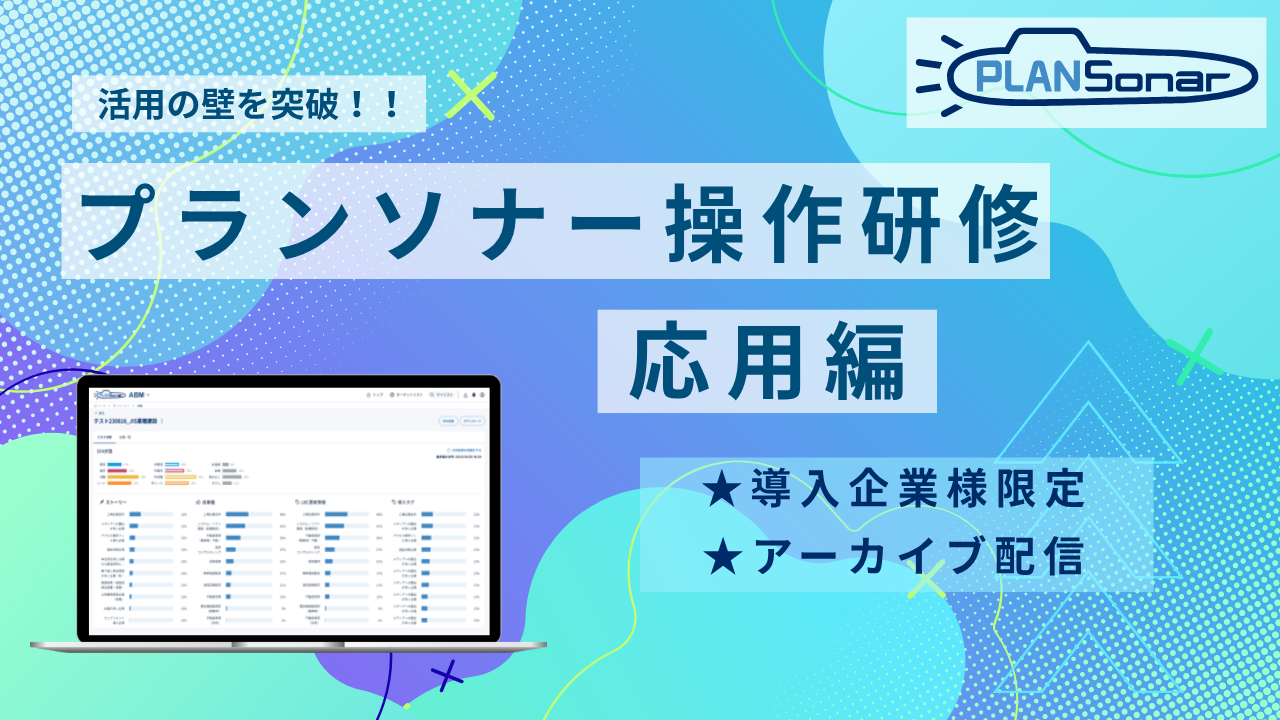
This webinar is an archived video of the "[For Existing Clients] PLANSonar Advanced Operation Training" held on Thursday, June 18, 2026.
You can watch the video immediately after submitting the form.
[Video Duration: Approx. 50 Minutes]
This seminar covers advanced content.
We hope you will utilize this training session as an opportunity to deepen your understanding of how to leverage PLANSonar.
[Agenda]
• How to Utilize AI Lists
• How to Utilize Intent Data
• How to Utilize Existing Lists Using Data Management Functions
* Intent data covers Live Access and Interest Sign.
Step 1: Submit the Application Form
Please submit the form on the right.
Step 2: Receive Viewing Information via Email
After submitting the form, the following information will be sent to your registered email address.
- URL for viewing the seminar archive video
- Viewing passcode
* It may take several minutes to several hours to receive the email. Please also check your spam folder.
Step 3: Access the Viewing URL and Enter the Passcode
Please check the following in the email you received and proceed to view the content.
- Click the viewing URL in the email
- Follow the on-screen instructions to enter the passcode
- Please watch the seminar archive
Frequently Asked Questions
- Q. When will I receive the email after submitting the form?
A. Typically, it will be delivered within a few minutes of submission. If you do not receive the email after several hours, please check your spam folder or contact the Seminar Secretariat (seminar@usonar.co.jp). - Q. I have lost the email. Can I receive it again?
A. We apologize for the inconvenience, but please submit the form again or contact the Seminar Secretariat (seminar@usonar.co.jp). - Q. How long can I watch the archive?
A. It is available for viewing until the next PLANSonar operation training session is held.
After the session, the distributed video will be updated to the latest version within a few business days. - Q. Can I watch it as many times as I like?
A. Yes. You may watch it as many times as you wish using the viewing URL and passcode. - Q. I have forgotten my passcode.
A. Please check the email you received at the time of application or register again.