



















Event Overview
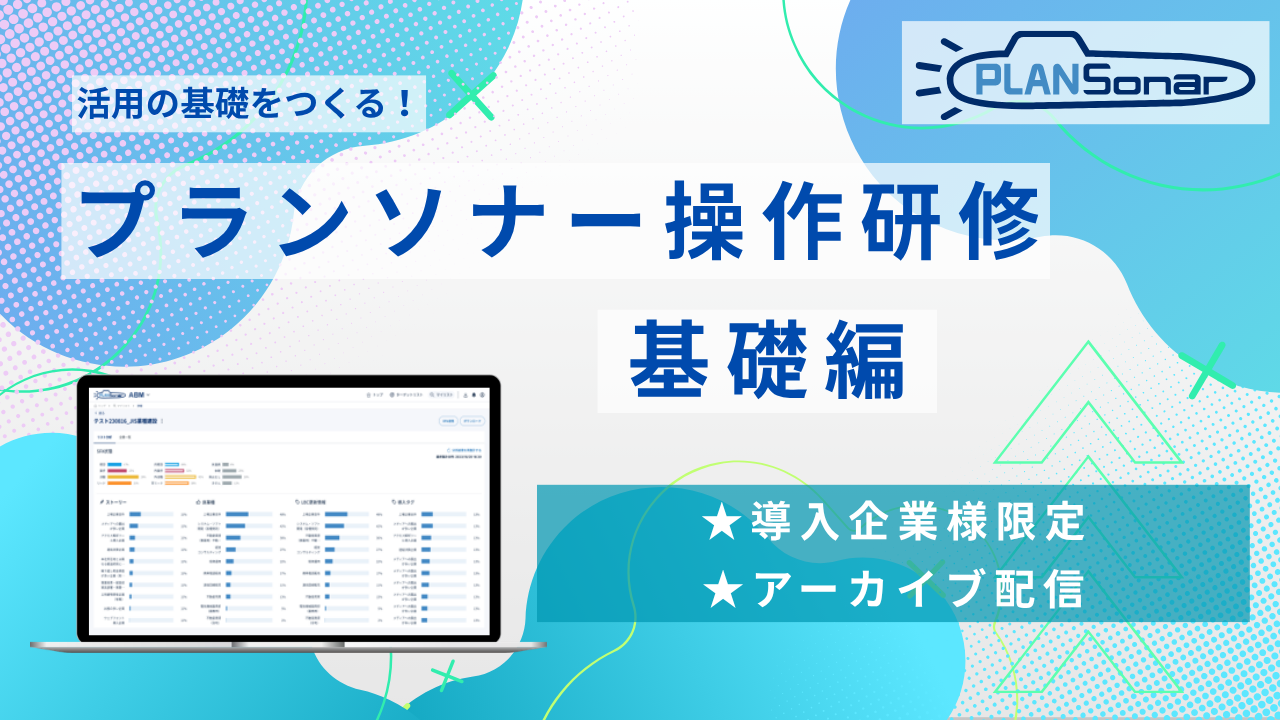
This webinar is an archive video of the "PLANSonar Operational Training: Basics" session held on Wednesday, April 22, 2026, exclusively for our clients.
You can watch the video immediately after submitting the form.
[Video Duration: Approx. 40 Minutes]
This seminar covers fundamental content. We encourage you to utilize this training session as an opportunity to master the operational procedures.
[Agenda]
Basic Usage of the Mixer
How to Manage Lists
How to Extract Lists of Group Companies and Business Locations
Step 1: Submit the Registration Form
Please submit the form on the right.
Step 2: Receive Viewing Information via Email
After submitting the form, the following information will be sent to your registered email address.
- URL for Viewing the Seminar Archive Video
- Viewing Passcode
* It may take several minutes to several hours to receive the email. Please also check your spam folder.
Step 3: Access the Viewing URL and Enter the Passcode
Please check the following in the email you received and proceed to view the content.
1. Click the viewing URL in the email.
2. Follow the on-screen instructions to enter the passcode.
3. Please Watch the Seminar Archive
Frequently Asked Questions
- Q. When will I receive the email after submitting the form?
A. Typically, you will receive it within a few minutes of submission. If you do not receive the email after several hours, please check your spam folder or contact the Seminar Secretariat (seminar@usonar.co.jp). - Q. I have lost the email. Can I receive it again?
A. We apologize for the inconvenience. Please submit the form again or contact the Seminar Secretariat (seminar@usonar.co.jp). - Q. How long can I watch the archive?
A. You can watch it until the next mSonar operational training session is held.
After the session, the distributed video will be updated to the latest version within a few business days. - Q. Can I watch it as many times as I like?
A. Yes, you can watch it as many times as you like using the viewing URL and passcode. - Q. I have forgotten my passcode.
A. Please check the email you received at the time of application or please apply again.

